
Wan 3.0 is Alibaba’s third-generation video model, released in August 2026. It generates video with native sound from text, from a single image, or from several reference images combined into one scene.
Engine · Wan 3.0 by Alibaba
Wan 3.0 AI Video Generator
The most detailed video engine in SecretFlame Studio. Compose a scene from your own reference images, bring a single portrait to life, or start from words alone — with a soundtrack Wan 3.0 writes itself.
Wan 3.0 at a glance
- Developer
- Alibaba — Wan (Tongyi Wanxiang) team
- Released
- August 2026
- Modes on SecretFlame
- Reference mode · Image → Video · Text → Video
- Reference images
- Up to 5, addressed as [Image 1]…[Image 5]
- Clip length
- 5, 10, 15, 20 or 30 seconds
- Resolution
- 480p · 720p · 1080p
- Sound
- Native soundtrack — music, ambience, effects
- Aspect ratios
- Auto, 9:16, 3:4, 1:1, 4:3, 16:9
- Price
- 3 / 5 / 9 credits per second (480p / 720p / 1080p)
Reference mode
Cast the scene from your own pictures
Reference mode is what sets Wan 3.0 apart. Instead of animating one first frame, you hand it up to five pictures — your character, a second character, an outfit, a location, a prop — and direct how they meet in a single shot.
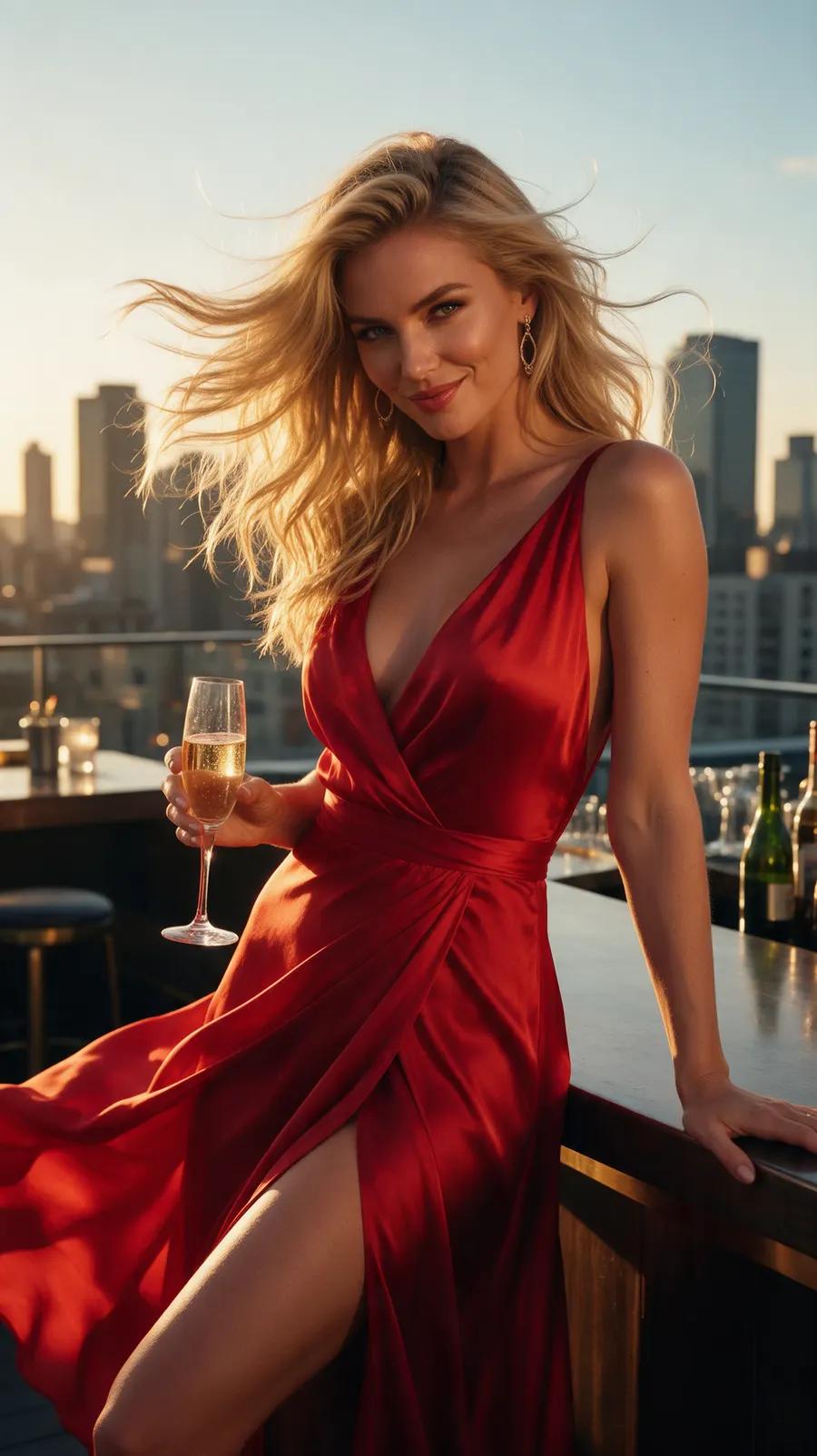
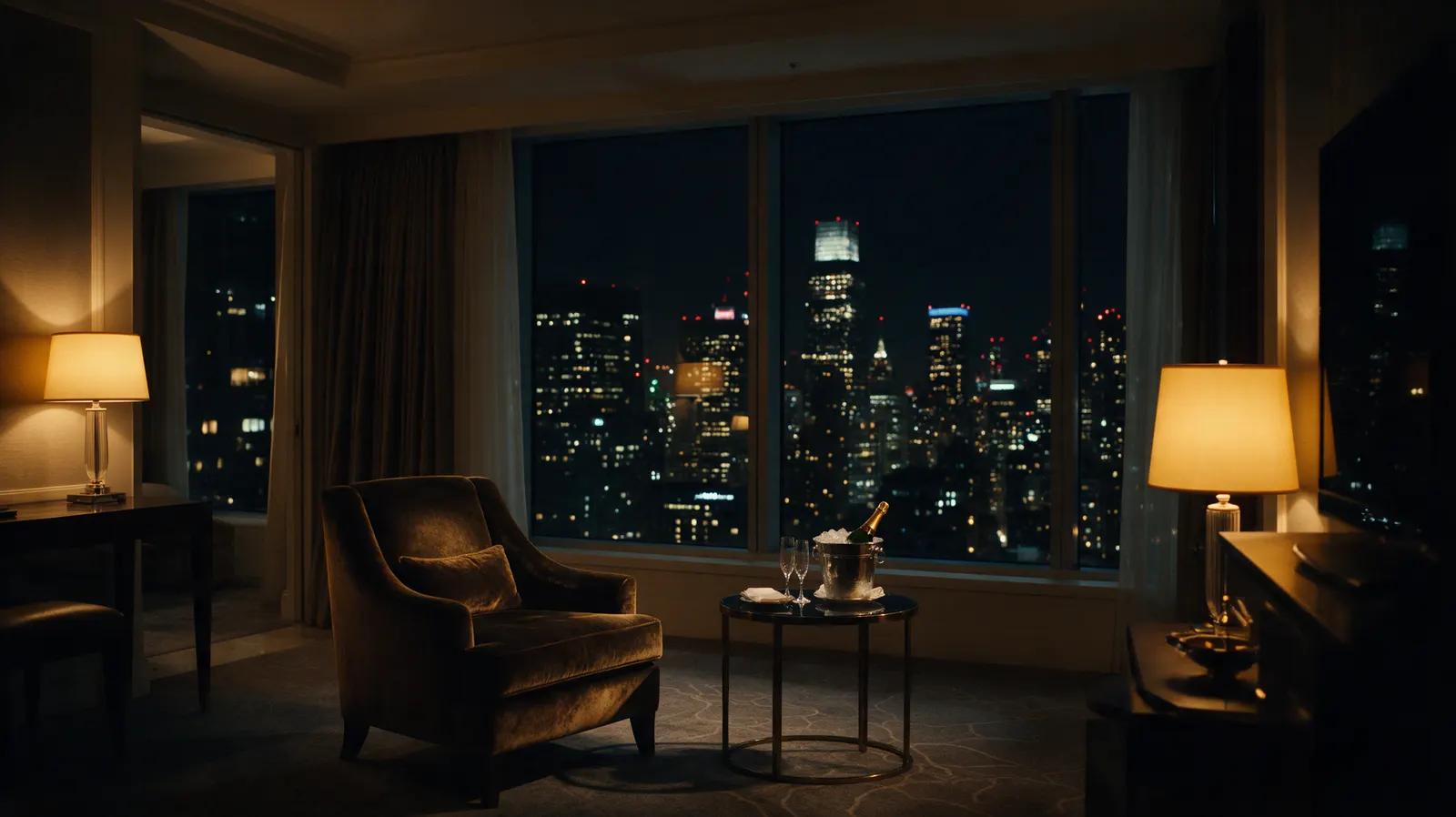
Each picture gets a tag. Write “[Image 1] walks into [Image 2]” and Wan 3.0 keeps her face, hair and gown from the first picture while it builds the room from the second. It is the closest thing to casting and set-dressing a scene without a camera.
Prompt
“The woman from [Image 1], in her flowing red silk gown, walks slowly into the hotel suite from [Image 2], sets her clutch on the velvet armchair, pours a glass of champagne and turns toward the camera with a teasing smile. Slow cinematic dolly-in, warm lamplight, soft lounge jazz.”
- 01
Open Image → Video
Wan 3.0 is the default engine and reference mode is already on.
- 02
Add up to 5 pictures
Click a tile to drop its [Image N] tag straight into your prompt.
- 03
Direct the shot
Say who does what, where, and how the camera moves. Pick a ratio and length.
- 04
Generate
Wan 3.0 renders the clip with its own soundtrack. Longer and 1080p clips take a few minutes.
Image → Video
One portrait, real motion
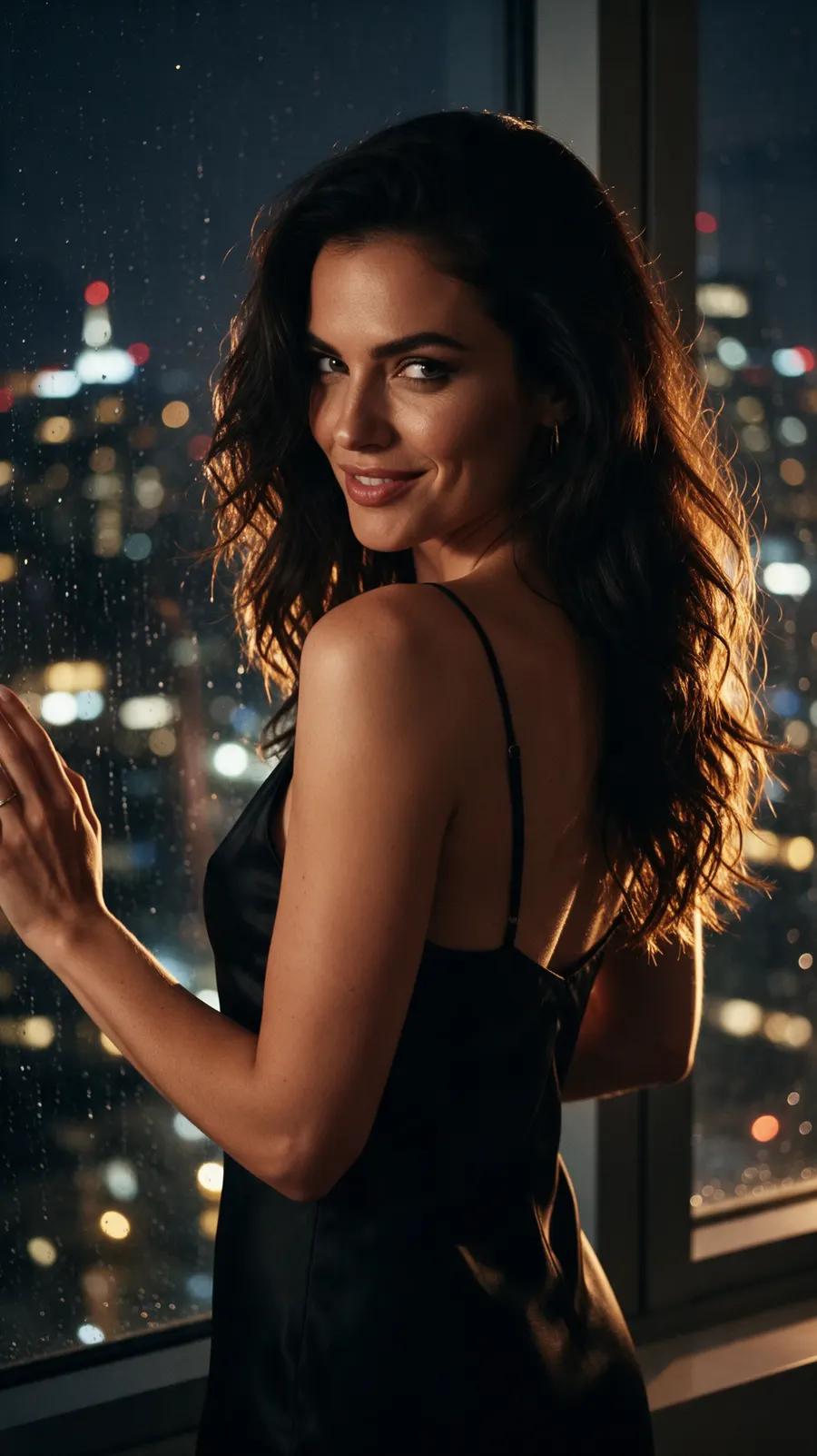
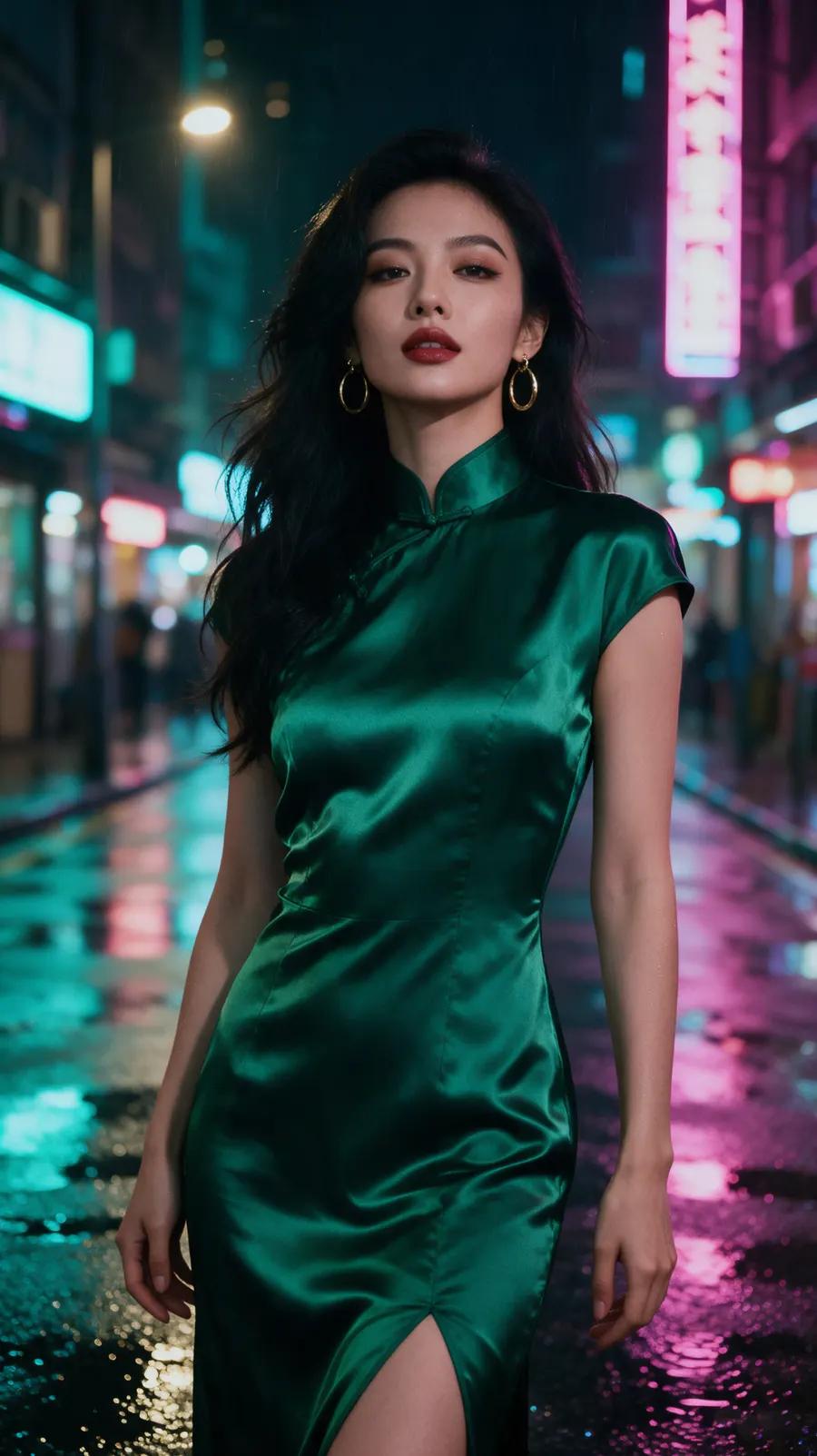
Switch reference mode off and the picture becomes frame zero: Wan 3.0 animates out of it, keeping the styling, light and identity of your shot. Add an optional last frame to decide exactly where the clip ends — a control the faster engines do not offer.
Prompt
“She slowly turns from the rain-streaked window, brushes her hair over one shoulder and gives a playful half smile. Gentle push-in, rain ambience.”
Prompt
“She walks slowly toward the camera along the rainy neon street, then glances back over her shoulder with a confident smile. Slow tracking shot, rain and city ambience.”
Text → Video
Or start from a single sentence
No pictures at all? Describe the woman, the place and the moment. Wan 3.0 is natively text-to-video, so it plans the shot, the motion and the music together instead of animating a still.
Prompt
“A glamorous woman in a black lace masquerade mask and an emerald velvet gown descends a grand marble staircase at a candlelit ball, lowers the mask and smiles at the camera. Slow orbit, chandeliers, string quartet.”
Wan 3.0 vs Wan 2.7
Both Wan engines are one click apart in Image → Video. Pick by what the shot needs.
| Wan 3.0 | Wan 2.7 | |
|---|---|---|
| Best for | Detail, long takes, multi-image scenes | Bolder adult motion, stable quality |
| Reference mode | Up to 5 images | — |
| Last frame | Yes | Yes |
| Length | 5–30 s | 5–15 s |
| Sound | Native, can be switched off | Always on |
| Speed | Slower — a few minutes or more | A few minutes |
Wan 3.0 always works within our Content Policy and the provider’s own filters; Wan 2.7 is the more permissive engine for adult motion.
Prompting Wan 3.0
Name the tags
Refer to every reference as [Image N]. An untagged picture is only a loose hint.
One subject per picture
A clean portrait, a clean outfit shot and an empty room beat one busy collage.
Direct the camera
Dolly-in, slow orbit, handheld tracking — Wan 3.0 follows camera language well.
Write the sound
Mention music, ambience or a voice; the soundtrack follows the prompt.
Draft short, finish long
Test the idea at 5 s and 480p, then render the keeper at 1080p or 30 s.
Wan 3.0 questions
Reference mode lets you upload up to five pictures and address them in your prompt as [Image 1] to [Image 5]. Wan 3.0 keeps each subject’s look while composing them into one new shot, instead of animating a single first frame.
On SecretFlame you can render 5, 10, 15, 20 or 30 seconds at 480p, 720p or 1080p. Only Wan 3.0 goes beyond 15 seconds.
Yes. Wan 3.0 writes its own soundtrack — music, ambience and effects — in the same pass as the video. You can switch sound off in the studio.
Wan 3.0 is billed per second: 3 credits at 480p, 5 at 720p and 9 at 1080p. A 5-second HD clip costs 25 credits. Credits are one-time packs, no subscription.
No engine on SecretFlame is a free-for-all. Wan 3.0 is built for adult creators and fictional adult characters, and it runs within our Content Policy and the provider’s own safety filters. For bolder motion, Wan 2.7 is the more permissive engine.
Only of yourself or someone who has clearly agreed to it. Celebrities, public figures and anyone under 18 are never allowed, in any mode.
Direct your first Wan 3.0 scene
Bring a character, a look and a place. Wan 3.0 does the rest — motion, light and sound.